Table of Contents
A desktop memory compatibility check rarely turns on the DDR5 connector. A clocked unbuffered DIMM adds a client clock driver, and the host must support how that device is configured and operated. “Same capacity, same socket” is therefore not a sufficient replacement specification.
For buyers comparing CUDIMM and UDIMM offers, CUDIMM compatibility is a platform property, not a module property. The approval unit is the module together with the processor, motherboard, BIOS and installed population. A successful boot at a fallback rate does not establish support for the speed printed on the package.
What changes when a UDIMM becomes a CUDIMM?
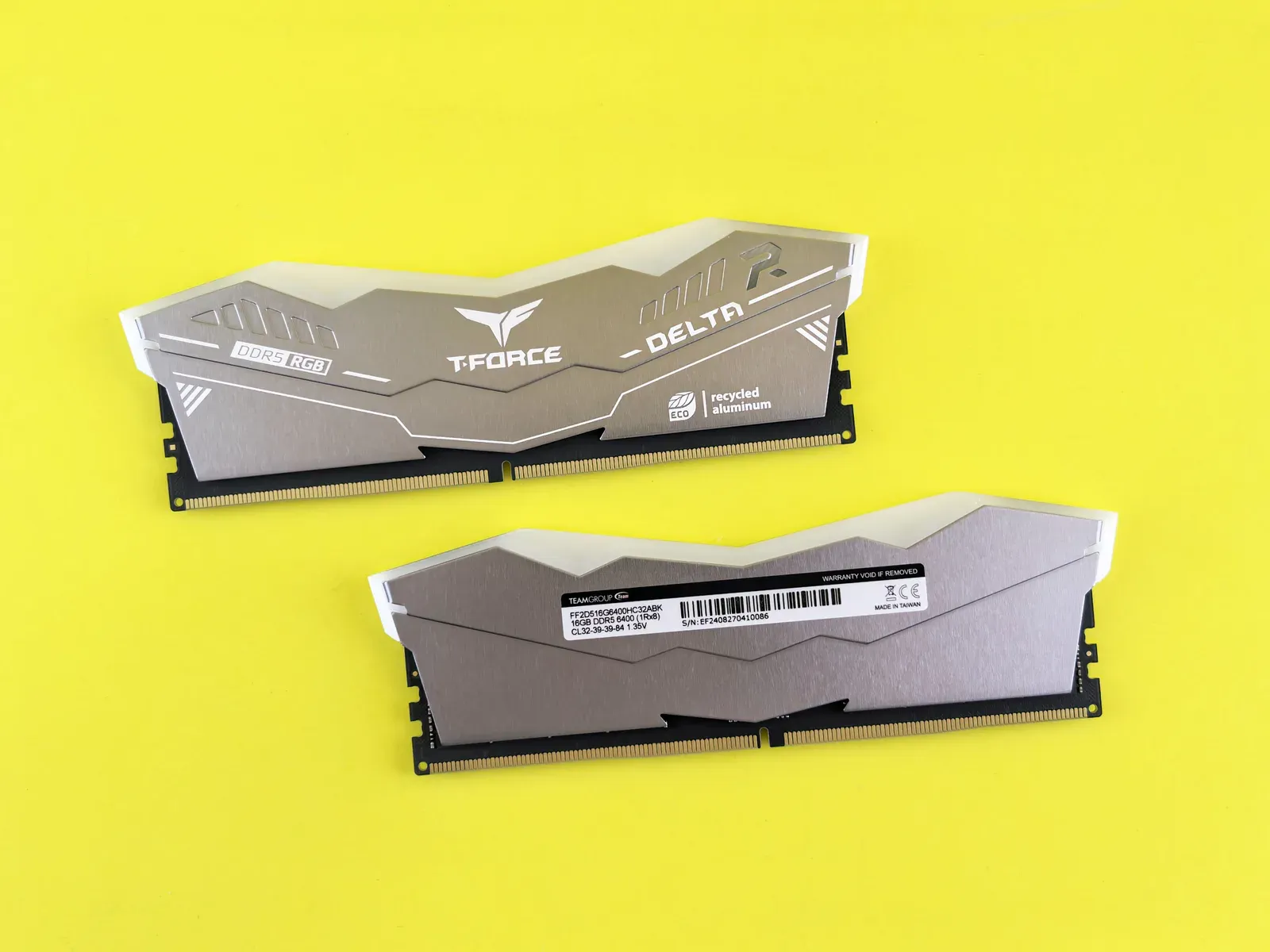
A DDR5 CUDIMM includes a client clock driver (CKD) that redrives the clock signal on the module. It remains an unbuffered memory-module category; adding a CKD does not turn it into a server RDIMM.
Kingston’s explanation of CUDIMM and CSODIMM, checked November 4, 2026, describes the clock-driver addition and the distinction from conventional DDR5 UDIMMs and SODIMMs. It also notes that the corresponding clocked and conventional modules use the same sockets. Physical insertion therefore cannot settle compatibility.
CSODIMM is the corresponding clocked small-outline category. Order desktop DIMMs and small-outline modules as distinct items, and do not confuse CKD support with the register and platform requirements discussed in the DDR5 RDIMM replacement guide.
Will a CUDIMM work in a motherboard designed for UDIMMs?
Only where the processor, board and installed firmware support that module and an appropriate operating mode. Some configurations may support clock-driver bypass or a reduced speed; that behavior must be documented for the exact platform rather than assumed from the connector.
A general memory-vendor compatibility explanation is a starting point. For the purchase decision, obtain the motherboard or system vendor’s supported-memory information and BIOS requirements. Check whether the module appears by exact part number, capacity and population. A qualified-vendor list entry for one module per channel does not automatically approve a different population.
| Platform evidence | Purchasing treatment |
|---|---|
| Exact CUDIMM listed for the intended BIOS and population | Evaluate at the stated supported settings and retain the configuration record |
| CUDIMM supported only in a documented fallback/bypass mode | Compare price and performance at that actual mode; do not pay for an unusable headline speed |
| Only conventional UDIMMs are documented | Treat the CUDIMM as an unapproved candidate until the system supplier provides evidence |
| Server platform specifies RDIMMs or MRDIMMs | Use the required server module category; a CUDIMM is not a substitute |
If a BIOS update is required, include its deployment in the change plan. An otherwise compatible replacement can still fail when service technicians install it into systems that retain an older firmware baseline.
How should advertised speed be compared with delivered performance?
Compare the supported operating rate and the application’s measured behavior in the intended configuration. The module’s advertised maximum, its standard settings and any optional overclock profile describe different conditions.
For example, suppose a purchase comparison includes a 32 GB UDIMM that the platform supports at 5,600 MT/s and a 32 GB CUDIMM offered at 6,400 MT/s. If the platform documentation permits the CUDIMM only at 5,600 MT/s in the selected configuration, the nominally faster module has no established data-rate advantage for that deployment. The example sets up a comparison; it is not a board-specific claim.
Even when a higher operating rate is supported, benchmark the actual workload. Memory capacity, channel population and access behavior may matter more to the application than the advertised module speed. Record the tested settings instead of describing the result only as “automatic BIOS mode.”
A repeatable qualification run
Begin with the exact target processor and board revision. Install the proposed production BIOS and the intended number of modules in the specified slots. Record the complete module labels and electronically reported identification so a later substitution can be recognized.
The test sequence should cover cold starts, warm resets, supported sleep/resume paths and sustained memory stress at the deployment’s temperature conditions. Confirm the trained rate and settings after each relevant transition. An occasional fallback or retraining failure can disappear during a single long-running benchmark, so startup coverage matters separately from steady-state stress.
Test the actual application as well as memory diagnostics. Retain failures, corrected-error information where the platform exposes it, and configuration changes made during troubleshooting. A sample that passes only after changing voltage or timing outside the intended production configuration has not passed that original configuration.
If mixed modules are proposed, evaluate that exact combination and confirm vendor support. A matched kit result cannot be transferred automatically to independently sourced modules with a shared capacity and speed label.
What should a CUDIMM RFQ and release record contain?
Specify the module’s full ordering code, capacity, module category, relevant organization and supported configuration. Add the processor, board revision, minimum BIOS, population and approved operating settings to the acceptance record.
A supplier should identify whether an offer is for the qualified module revision or a different candidate. Request change-notification treatment where the purchasing arrangement supports it, especially when the module manufacturer can alter underlying components while retaining a commercial family name.
Use the component-alternatives workflow to treat “available candidate” and “approved replacement” as different statuses. If a proposed module lacks platform evidence, an evaluation quantity can support qualification, but the volume order should remain tied to the configuration the engineering team actually released.
For service stock, label the platform and BIOS applicability with the spare. That prevents a future technician from interpreting a physically compatible DDR5 connector as universal permission to substitute the module.
Frequently Asked Questions (FAQ)
Can CUDIMM and CSODIMM be ordered under one interchangeable code?
No. They are different module form factors. The full ordering code and host requirements must distinguish the desktop DIMM from the small-outline module.
Is a CKD the same as an RDIMM register?
No. A client clock driver redrives the clock on a clocked unbuffered module. It does not make a CUDIMM equivalent to a registered server module.
Should service stock include the approved BIOS version?
Yes. Label the platform and firmware applicability with the spare record so that a module qualified on one configuration is not installed under unsupported firmware.