Table of Contents
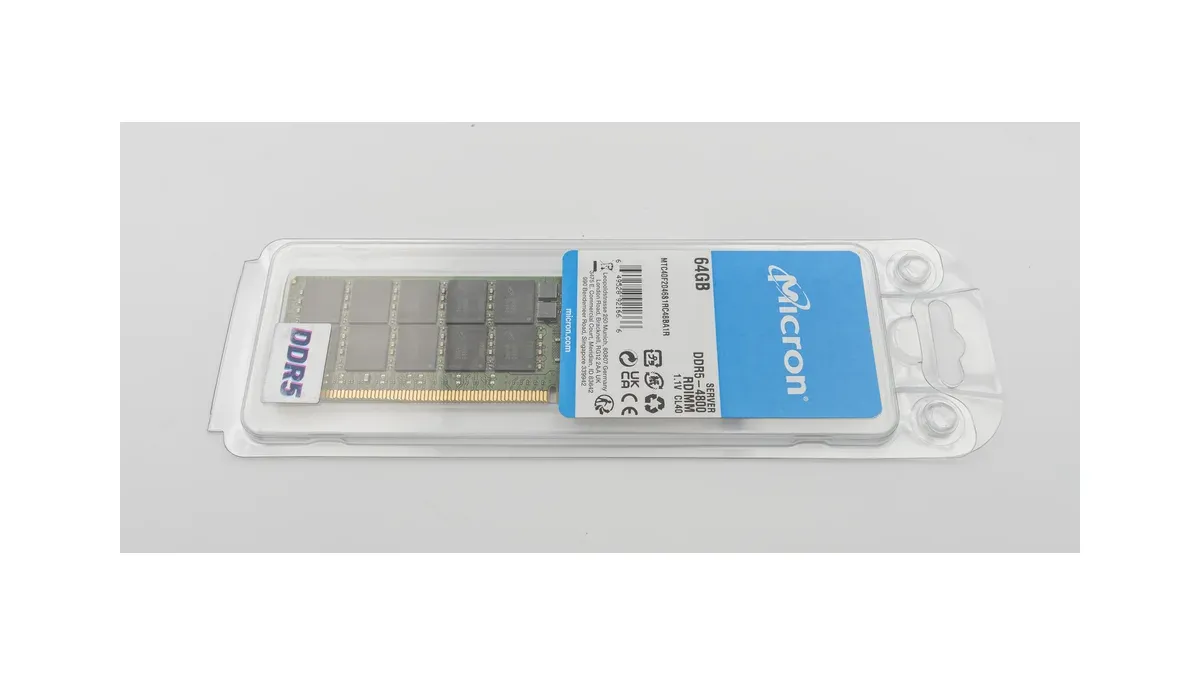
A server memory replacement specified only as “DDR5, 64 GB” leaves several decisions unresolved. Registered versus unbuffered construction, rank organization, DRAM density and the existing channel population can determine whether the system starts and which data rate it uses.
Procurement should buy against an approved platform configuration. Capacity and nominal speed help narrow the candidates, but they cannot replace the processor and server manufacturer’s memory-support requirements.
Can DDR5 RDIMM and UDIMM be interchanged?
No. DDR5 registered DIMMs (RDIMMs) and unbuffered DIMMs (UDIMMs) are different module types and should not be treated as interchangeable. A requirement for error-correcting memory does not erase that distinction.
Kingston’s server-memory support guidance explicitly distinguishes DDR5 RDIMMs from ECC unbuffered DIMMs. An RDIMM includes a registered clock-driver function used by the supported server or workstation architecture. An ECC UDIMM is still unbuffered. DDR5 RDIMMs and ECC UDIMMs also have different key-notch positions, so they are not physically interchangeable.
Begin the RFQ with the exact platform, processor model and required module type. Record the server vendor’s approved memory specification or compatibility evidence. Do not infer module type from capacity, a generic “server RAM” description or the fact that both products belong to DDR5.
Why do equal-capacity RDIMMs still need a platform check?
Equal capacity can be implemented with different DRAM densities, device widths and rank organizations, and the platform may support those configurations differently. Firmware and population rules also influence the usable configuration and operating rate.
The Kingston compatibility guide identifies DRAM width and density as possible compatibility constraints. Decode the organization field before comparing quotes: in 2Rx4, 2R means two ranks and x4 describes the data width of each DRAM device. It does not mean four memory channels or four chips on the module.
A rank is a group of DRAM devices selected together by the memory controller. Rank count differs from physical chip count, particularly when packages contain multiple dies. For example, Kingston’s KSM64R52BD4-64MH datasheet identifies a 2Rx4 module built from forty 4G × 4-bit components. DRAM density, usually expressed in gigabits per die, is also a different quantity from the module’s capacity in gigabytes. Use the exact module specification to establish these fields.
| Configuration field | What to verify |
|---|---|
| Module type and ECC organization | Matches the platform’s required interface |
| Capacity, rank count and device width | Supported combination for the processor and board |
| DRAM density | Supported by the applicable firmware and platform documentation |
| Modules per channel | Allowed slot population and resulting operating data rate |
| Mixed configurations | Explicit platform rules rather than a universal mixing assumption |
| Thermal and mechanical details | Fits the airflow, clearance and retention arrangement |
For example, a hypothetical system containing eight 64 GB modules has 512 GB of nominal installed capacity. Replacing that set with four 128 GB modules preserves the arithmetic total but changes the physical population. If this leaves previously populated channels empty, memory bandwidth can change even though capacity remains 512 GB. Conversely, adding modules within already-populated channels may change the supported data rate. Check the platform-specific population table for both arrangements.
Similarly, moving to a higher-rated module does not guarantee a higher operating rate. The processor’s memory controller and the populated configuration can impose a lower supported setting. Record the negotiated operating rate observed in the approved build, not just the value printed on the package.
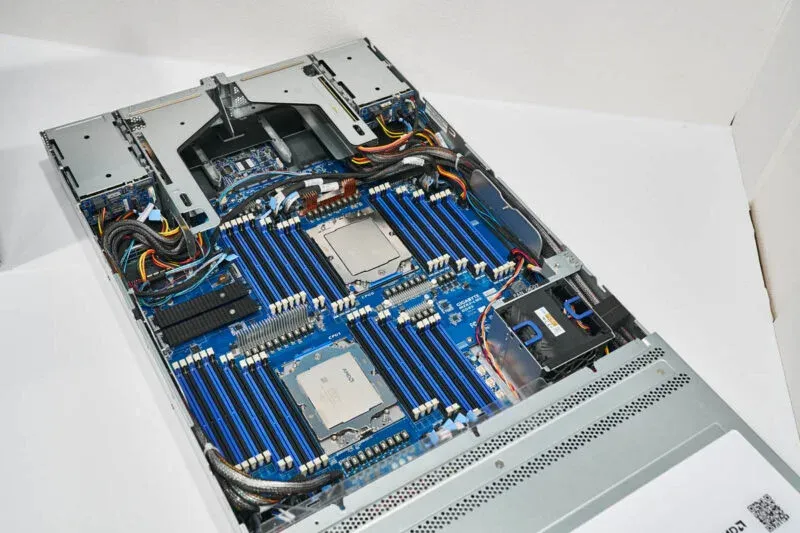
A slot map is therefore part of the quote comparison: identify the channels, modules per channel and supported operating rate for each option. DDR4 users will encounter a different set of device-level constraints in the timing and replacement review; use the DDR5 platform documentation for the present build.
An acceptance run for the actual server
Accept it against the exact server configuration and workload requirements, with repeatable identification, boot and error-monitoring checks. A memory module that passes one short desktop test has not established compatibility with the intended server population.
First, retain the server model, board revision, processor configuration, firmware version, slot map and existing memory inventory. Resolve whether the project permits a mixed population or requires a matched replacement set. Check the vendor’s slot-order and channel-population guidance before installation.
Check the detected module identities, capacity, slot population and trained rate against that record after cold boot and restart. A server that boots at an unexpectedly reduced rate has not met a purchase requirement for the higher configuration.
Run the agreed memory stress and application workload under the specified thermal conditions. Capture the error-log baseline and the changes during the run, including corrected and uncorrected events. Investigate repeatable errors associated with a module or slot; use the server owner’s acceptance limits rather than declaring every bootable module acceptable.
Finally, connect the result to the delivered module identity and change-control process. If a supplier changes DRAM density or another controlled component while retaining a similar commercial description, determine whether the existing approval still applies. Packaging, traceability and handling requirements remain part of the purchase record.
For a deployment that also considers CXL memory expansion, keep the local RDIMM population stable while establishing the baseline. Changing local memory and adding an expansion tier at the same time makes it harder to identify which change caused a performance or stability result.
Frequently Asked Questions (FAQ)
Does on-die ECC make all DDR5 modules system-ECC equivalents?
No. Error correction inside a DRAM die is distinct from the platform’s memory-channel error-correction capability. Confirm the module type and the processor and board requirements for system ECC.
Will a faster-rated RDIMM always run at its printed data rate?
No. The operating data rate depends on the processor, firmware and memory population as well as the module. Verify the supported rate for the complete installed configuration.
Should a replaced RDIMM remain mixed with the removed revision in spare stock?
Keep the revisions identifiable and preserve their approved platform and population records. Do not let a shared capacity label erase differences in organization, firmware support or qualification status.